TechSpot Reviews
Comprehensive tech reviews: from CPUs and graphics cards, to laptops and smartphones
Latest Reviews
-
![AMD Radeon RX 5700 XT Revisit: How Does It Compare Against the 7700 XT?]()
AMD Radeon RX 5700 XT Revisit: How Does It Compare Against the 7700 XT?
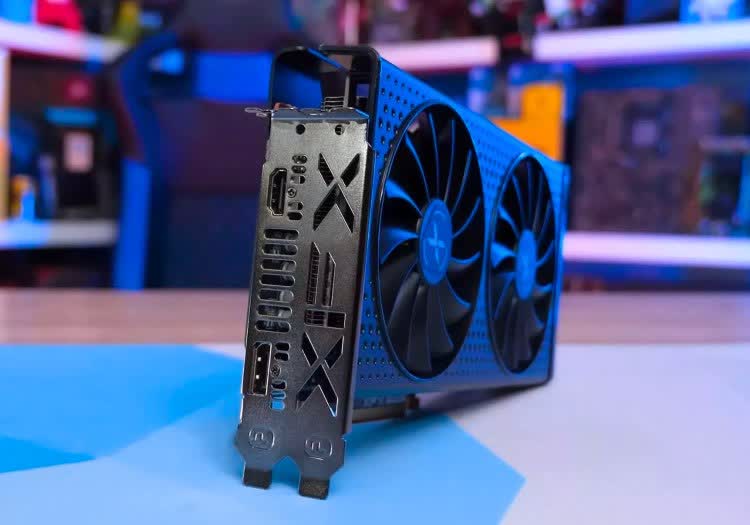
How usable is the Radeon 5700 XT in the latest and greatest games five years after its release? For those of you looking to buy one used or upgrade, we'll provide insights into your options. -
![Ryzen 7 5800X3D vs. Ryzen 7 7800X3D, Ryzen 9 7900X3D and 7950X3D]()
Ryzen 7 5800X3D vs. Ryzen 7 7800X3D, Ryzen 9 7900X3D and 7950X3D
As we've known for some time, the 5800X3D remains a strong gaming CPU that's roughly equivalent to the new Ryzen 7 7700X. But still, here's a broader comparison for new builders and upgraders. -
![New Affordable AMD B650 Motherboard Roundup]()
New Affordable AMD B650 Motherboard Roundup
Motherboard makers release revised models of existing boards all the time. But what is unusual here is that all these new additions are entry-level, and released rather quietly. Let's find out why. -
![GeForce RTX 4070 Super vs. Radeon RX 7900 GRE]()
GeForce RTX 4070 Super vs. Radeon RX 7900 GRE
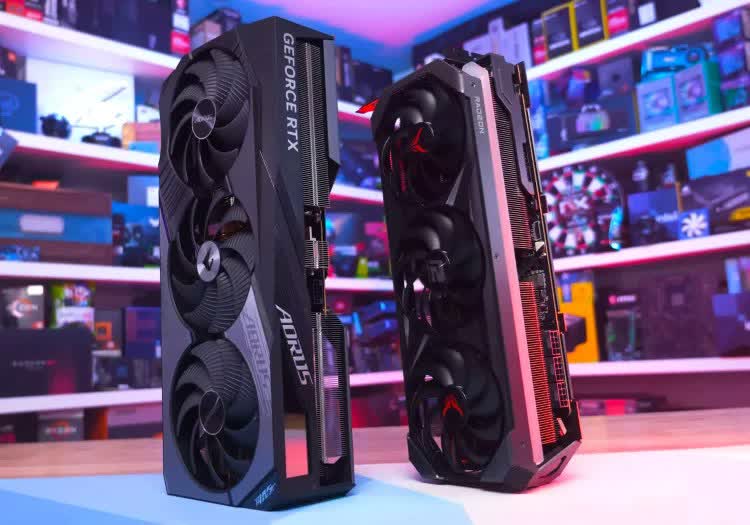
We've benchmarked the Radeon RX 7900 GRE and GeForce RTX 4070 Super across 58 different game configurations, taking an in-depth look at rasterization, ray tracing, and upscaling performance. -
![LG 32GS95UE 32]()
LG 32GS95UE 32" Review: Dual Mode WOLED
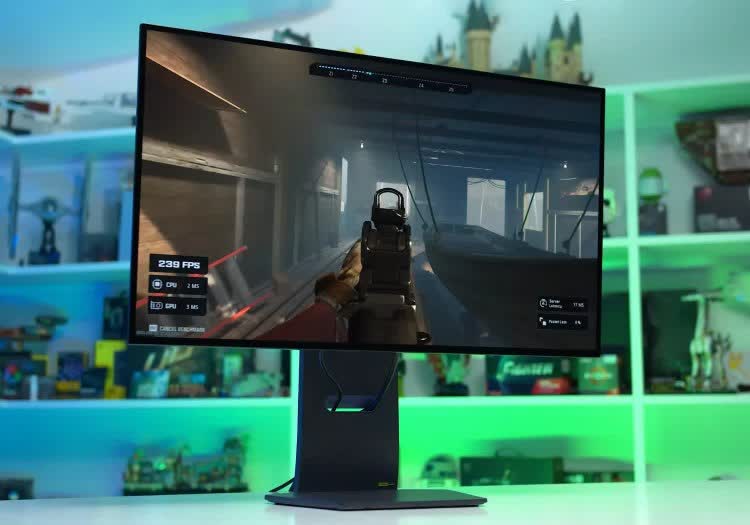
The LG 32GS95UE is the first 32-inch 4K 240Hz WOLED gaming monitor to hit the market, and it's set to bring serious competition to the 4K 240Hz QD-OLED monitors we've been examining recently. -
![Is Your Older Ryzen CPU Fast Enough for the RTX 4080?]()
Is Your Older Ryzen CPU Fast Enough for the RTX 4080?
Today's mission is to work out how suitable the Ryzen 5600 is to use with a modern high-end GPU, such as the RTX 4080. Will the upgrade to a more powerful GPU require an entire platform upgrade? -
![AMD Ryzen 7800X3D vs. 7900X3D vs. 7950X3D]()
AMD Ryzen 7800X3D vs. 7900X3D vs. 7950X3D
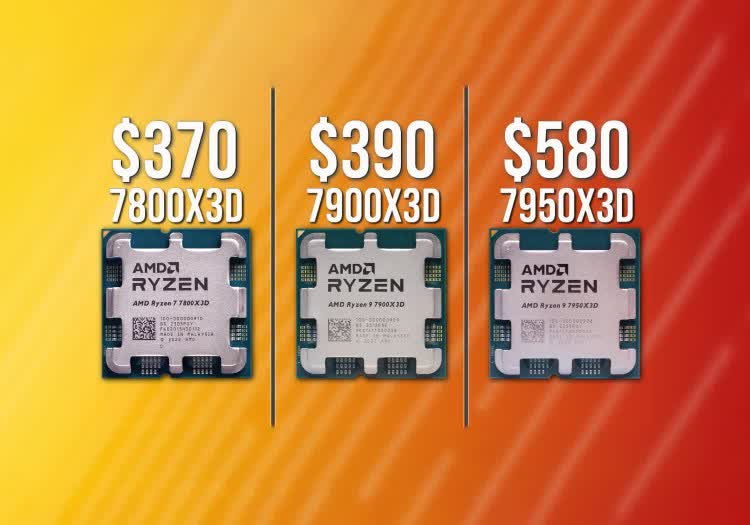
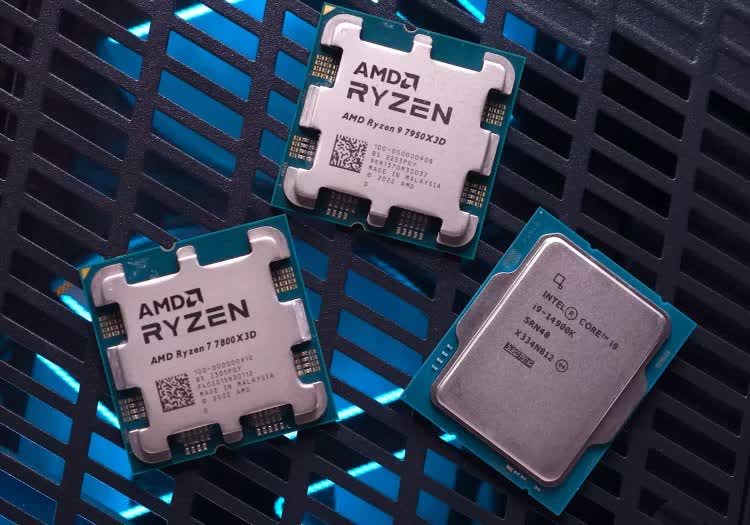
With recent price changes, the Ryzen 7800X3D can now be had for as little as $370, the 7900X3D is just $20 more, and the 7950X3D is down to $580, a hefty discount since launch. -
![Nvidia GeForce RTX 3050 6GB Review]()
Nvidia GeForce RTX 3050 6GB Review
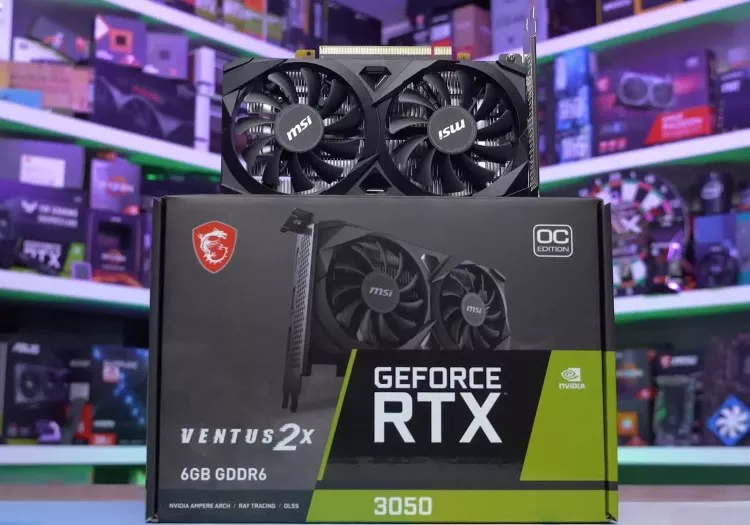
The GeForce RTX 3050 6GB is an interesting new release from Nvidia targeting the sub-$200 market. Now, the interesting part is not so much for its performance as it is for other angles. -
![Dell Alienware AW3225QF 32]()
Dell Alienware AW3225QF 32" Review
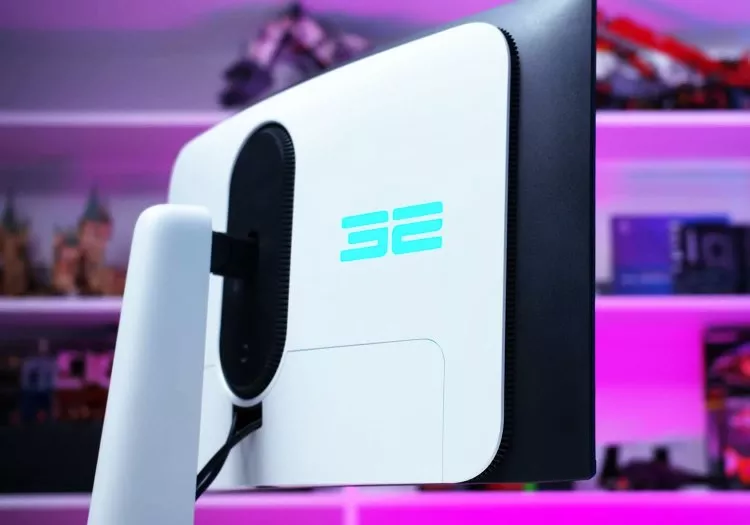
The Dell Alienware AW3225QF uses one of the latest 32-inch 4K 240Hz QD-OLED panels, which brings with it 0.03ms response times, per pixel local dimming, true HDR, and adaptive sync support. -
![MSI MPG 321URX 32]()
MSI MPG 321URX 32" Review
The hotly anticipated MSI MPG 321URX is finally available. This is the company's take on a 32-inch 4K 240Hz QD-OLED gaming monitor, using new third-gen QD-OLED panels from Samsung. -
![CPU Cache vs. Cores: AMD Ryzen Edition]()
CPU Cache vs. Cores: AMD Ryzen Edition
In this article, we'll take a look at how L3 cache capacity affects gaming performance. More specifically, we'll be examining AMD's Zen 3-based Ryzen processors in a "for science" type of feature. -
![AMD Radeon RX 7900 GRE Re-Review: You Can Buy the Golden Rabbit Now]()
AMD Radeon RX 7900 GRE Re-Review: You Can Buy the Golden Rabbit Now
This is not the first time we're testing AMD's Radeon RX 7900 GRE (Golden Rabbit). That actually happened 6 months ago, but this is the first time you can actually buy it, and at a much lower price. -
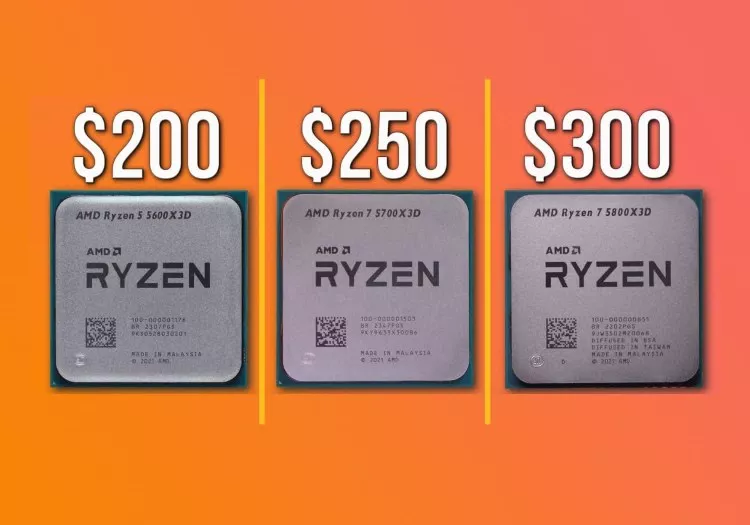
![AMD X3D CPU Versus: 5800X3D vs 5700X3D vs 5600X3D]()
AMD X3D CPU Versus: 5800X3D vs 5700X3D vs 5600X3D
We compare the three X3D chips available on the AM4 platform: the Ryzen 5 5600X3D, Ryzen 7 5700X3D, and Ryzen 7 5800X3D to see which model offers the best value to PC gamers. -
![Asus ROG Swift PG32UCDM Review]()
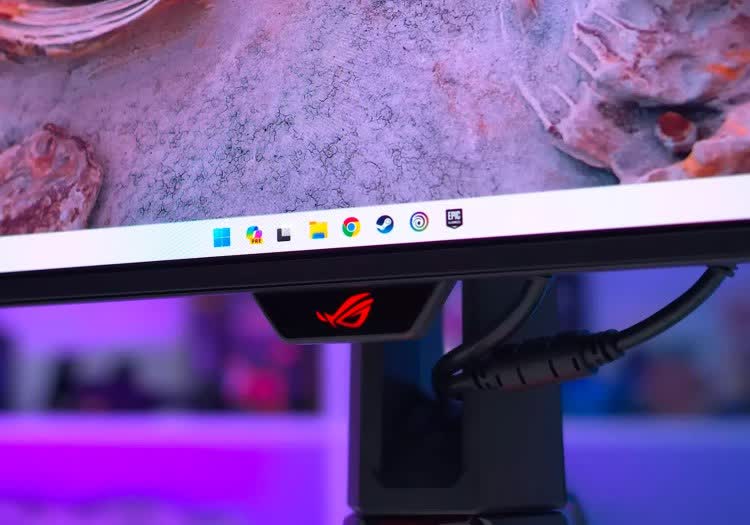
Asus ROG Swift PG32UCDM Review
The Asus ROG Swift PG32UCDM is one of the highly anticipated gaming displays to launch in 2024, sporting a larger 32-inch 4K panel at 240Hz, plus the per-pixel local dimming functionality of OLED. -
![AMD Ryzen 7 5700 Review: A Scammy CPU?]()
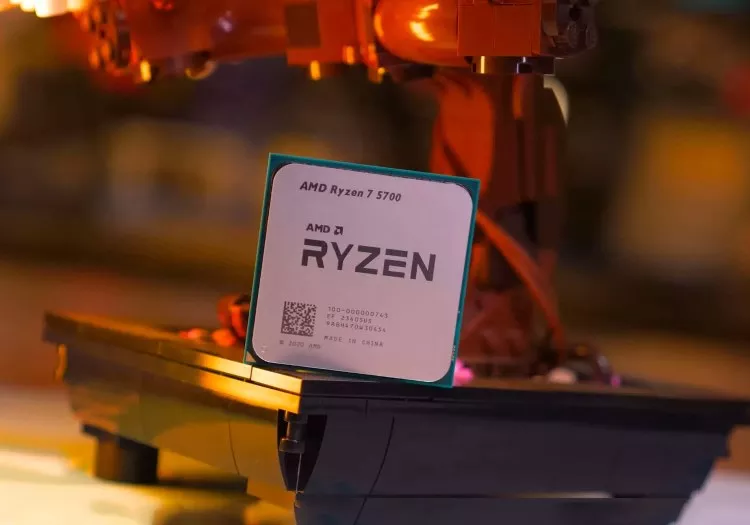
AMD Ryzen 7 5700 Review: A Scammy CPU?
In testing the Ryzen 7 5700, we feel we've stumbled upon a product that is borderline scammy, or is at best anti-consumer. But maybe we're overreacting, so let's take a look and see what you think. -
![Nvidia GeForce RTX 4090 Laptop vs. Desktop GPU]()
Nvidia GeForce RTX 4090 Laptop vs. Desktop GPU
Having reviewed the Nvidia RTX 4090 Laptop GPU and taken a comprehensive look at how it fares in the laptop market, let's see how it compares against the RTX 4090 desktop part. -
![Secretlab Magnus Pro XL Review: A Feature-Packed Sit-to-Stand Desk]()
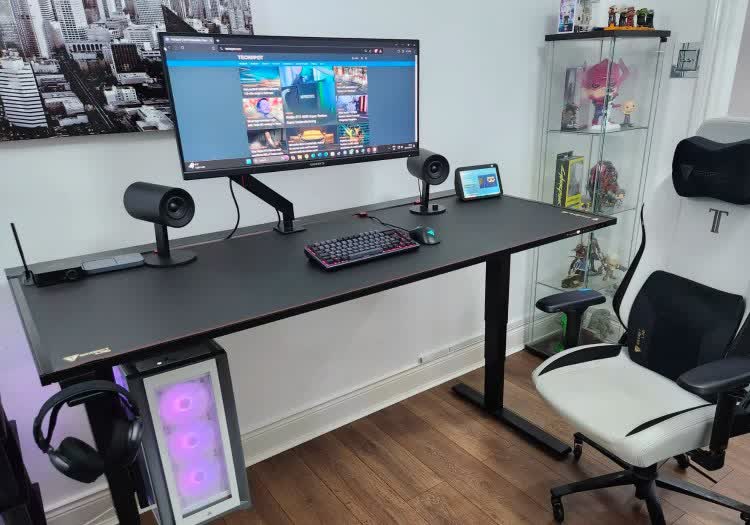
Secretlab Magnus Pro XL Review: A Feature-Packed Sit-to-Stand Desk
Here's a confession: I've never liked the idea of a standing desk. However, if there's one desk that could convince me to get off my butt, the Secretlab Magnus Pro could very well be it. -
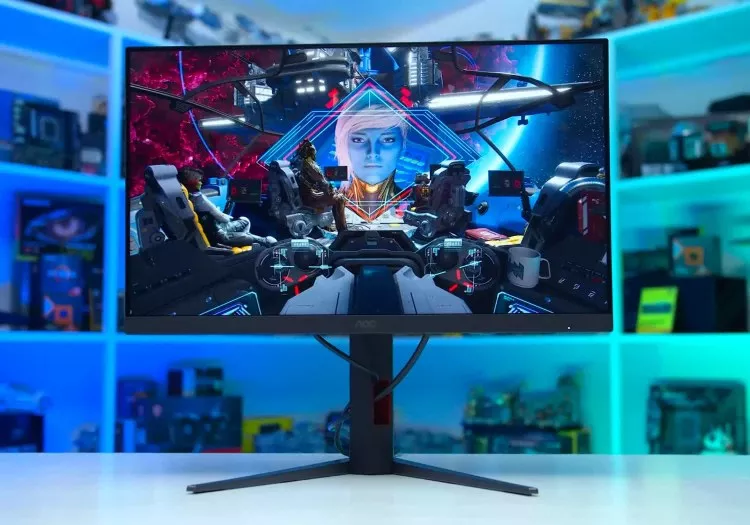
![AOC 24G4 Review]()
AOC 24G4 Review
The AOC 24G4 is a solid entry-level 1080p gaming monitor that improves upon its popular predecessor in notable areas. It's also slightly faster and slightly cheaper at just $150 in some markets. -
![AMD Ryzen 7 5700X3D Review: 3D V-Cache for $250]()
AMD Ryzen 7 5700X3D Review: 3D V-Cache for $250
AMD's Ryzen 7 5700X3D isn't really new, what we have here is binned silicon that couldn't be sold as a 5800X3D, but instead of throwing it away, AMD is offering for just $250. -
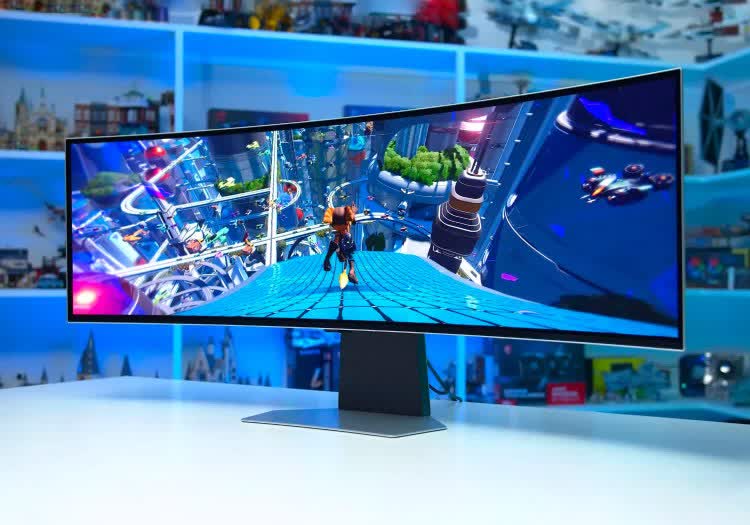
![Samsung Odyssey OLED G9 49]()
Samsung Odyssey OLED G9 49" Review
The Samsung Odyssey OLED G9 features a 49-inch 5120 x 1440 resolution panel, the equivalent of two 27-inch 2560 x 1440 monitors stitched together into a big super-ultrawide with a 32:9 aspect ratio. -
![Nvidia GeForce RTX 4080 Super Review]()
Nvidia GeForce RTX 4080 Super Review
One would assume that Nvidia's "new" GeForce RTX 4080 Super is a special version of the original. But in reality, it's essentially the RTX 4080 with a much-needed price cut. Is that enough? -
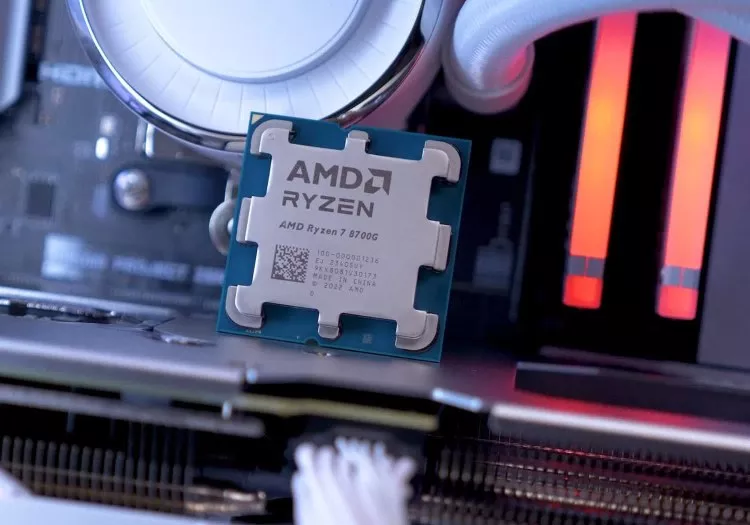
![AMD Ryzen 7 8700G Review: Most Powerful Integrated Graphics]()
AMD Ryzen 7 8700G Review: Most Powerful Integrated Graphics
The Ryzen 7 8700G is a Zen 4, Ryzen 7000-class processor that also includes a Radeon 700M GPU on the same chip. AMD says the iGPU will be powerful enough to play pretty much any PC game at 1080p. -
![AMD Radeon RX 7600 XT Review]()
AMD Radeon RX 7600 XT Review
AMD's new Radeon RX 7600 XT is basically an RX 7600 with a 16 GB VRAM buffer, but is that worth paying a premium for? Measuring the benefits of extra VRAM can be complex as we'll explore in this review. -
![Nvidia GeForce RTX 4070 Ti Super Review]()
Nvidia GeForce RTX 4070 Ti Super Review
The Nvidia GeForce RTX 4070 Ti Super is bizarrely named, but the specs look seriously great. We're talking 16GB of VRAM using AD103 silicon, indicating strong performance potential. Can it deliver? -
![Nvidia GeForce RTX 4070 Super Review]()
Nvidia GeForce RTX 4070 Super Review
Nvidia's GeForce RTX 4070 Super is the first refreshed 'Super' GPU to be released. Based on specs, it should be ~20% faster than the 4070, at the same price, which sounds like a solid deal. -
![Faster GPU or Faster CPU: Ryzen 7600 + RTX 4070 Ti vs. Ryzen 7800X3D + RTX 4070]()
Faster GPU or Faster CPU: Ryzen 7600 + RTX 4070 Ti vs. Ryzen 7800X3D + RTX 4070
Usually we recommend PC gamers on a budget to adopt the min/max strategy. This means spending as little as possible on almost everything, except the GPU, where most of the budget should be allocated. -
![One of the Worst GPUs We've Ever Tested: Revisiting the Radeon RX 6500 XT]()
One of the Worst GPUs We've Ever Tested: Revisiting the Radeon RX 6500 XT
The Radeon 6500 XT was a weak product at launch. We predicted it'd become nearly unusable even at lowest settings. Some 18 months after release, how is it performing in today's games? -
![Nvidia GeForce RTX 4090 vs. AMD Radeon RX 7900 XTX: Is the GeForce Premium Worth It?]()
Nvidia GeForce RTX 4090 vs. AMD Radeon RX 7900 XTX: Is the GeForce Premium Worth It?
An updated look at current-gen GPU flagships, the battle between the Radeon 7900 XTX and GeForce RTX 4090. Of course, the GeForce is faster, but also costs twice as much, so is the premium worth it? -
![AMD Ryzen 7 7800X3D vs. Intel Core i9-14900K]()
AMD Ryzen 7 7800X3D vs. Intel Core i9-14900K
It's time to take an updated look at the gaming performance of the Core i9-14900K and Ryzen 7 7800X3D, comparing head-to-head AMD and Intel's best gaming processors to see which one you should buy. -
![DDR5 vs. DDR4 Gaming Performance]()
DDR5 vs. DDR4 Gaming Performance
It's time we take a fresh look at DDR4 vs DDR5 memory performance using the Core i9-14900K. We're benchmarking with fast DDR5-7200 and DDR4-4000 memory, noting that these days DDR5 is cheaper than DDR4.


No products matched your criteria.
Try refining your search or go back to the popular listing.